
 English
 Español
 Français
 Deutsch
Why Spell Bee Online works almost anywhere
- ➥No download. It is a web page, not an app, so there is nothing to install.
- ➥No login. Start a puzzle instantly. Your games are saved in your browser.
- ➥Light and fast. The game loads quickly, even on slow school Wi-Fi.
- ➥Works on every device. Chromebooks, Windows, Mac, iPad, Android and iPhone.
How to start playing
- Open Spelling Bee Unlimited in your browser.
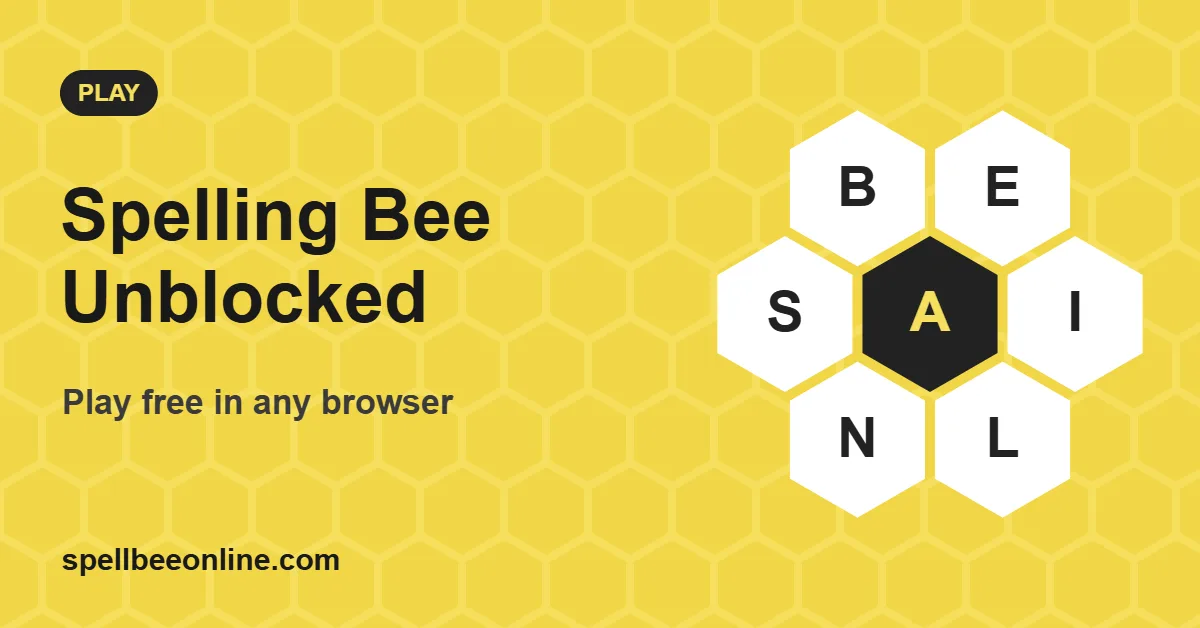
- Make words of four or more letters that include the center letter.
- Press Enter or tap the Enter button to submit each word.
- Click New Game whenever you want a fresh puzzle.
For teachers and classrooms
Spelling Bee is a quick, quiet warm-up for vocabulary lessons. Each puzzle has a share link, so the whole class can play the same letters at once and compare ranks. Pair it with our spelling bee words by grade and the daily practice routine.
A note about school networks
"Unblocked" here simply means the game needs no installs or special permissions. We don't help anyone get around school or workplace filters. If a site is blocked on your network, that is your school's or employer's decision, so ask them first.